Run Enterprise Edition
The enterprise edition requires a postgres and redis instance to run, and a license key to activate.
Step 1: Run the dev container
Follow the instructions here to run the dev container.
Step 2: Add the following env variables in server/api/.env
Pase the following env variables in server/api/.env
## these variables are set to align with the .devcontainer/docker-compose.yml file
STAQR_DB_TYPE=POSTGRES
STAQR_DEV_PIECES="your_piece_name"
STAQR_ENVIRONMENT="dev"
STAQR_EDITION=ee
STAQR_EXECUTION_MODE=UNSANDBOXED
STAQR_FRONTEND_URL="http://localhost:4200"
STAQR_WEBHOOK_URL="http://localhost:3000"
STAQR_PIECES_SOURCE='FILE'
STAQR_PIECES_SYNC_MODE='NONE'
STAQR_LOG_LEVEL=debug
STAQR_LOG_PRETTY=true
STAQR_REDIS_HOST="redis"
STAQR_REDIS_PORT="6379"
STAQR_TRIGGER_DEFAULT_POLL_INTERVAL=1
STAQR_CACHE_PATH=/workspace/cache
STAQR_POSTGRES_DATABASE=staqr
STAQR_POSTGRES_HOST=db
STAQR_POSTGRES_PORT=5432
STAQR_POSTGRES_USERNAME=postgres
STAQR_POSTGRES_PASSWORD=staqr-dev
STAQR_ENCRYPTION_KEY=427a130d9ffab21dc07bcd549fcf0966
STAQR_JWT_SECRET=secret
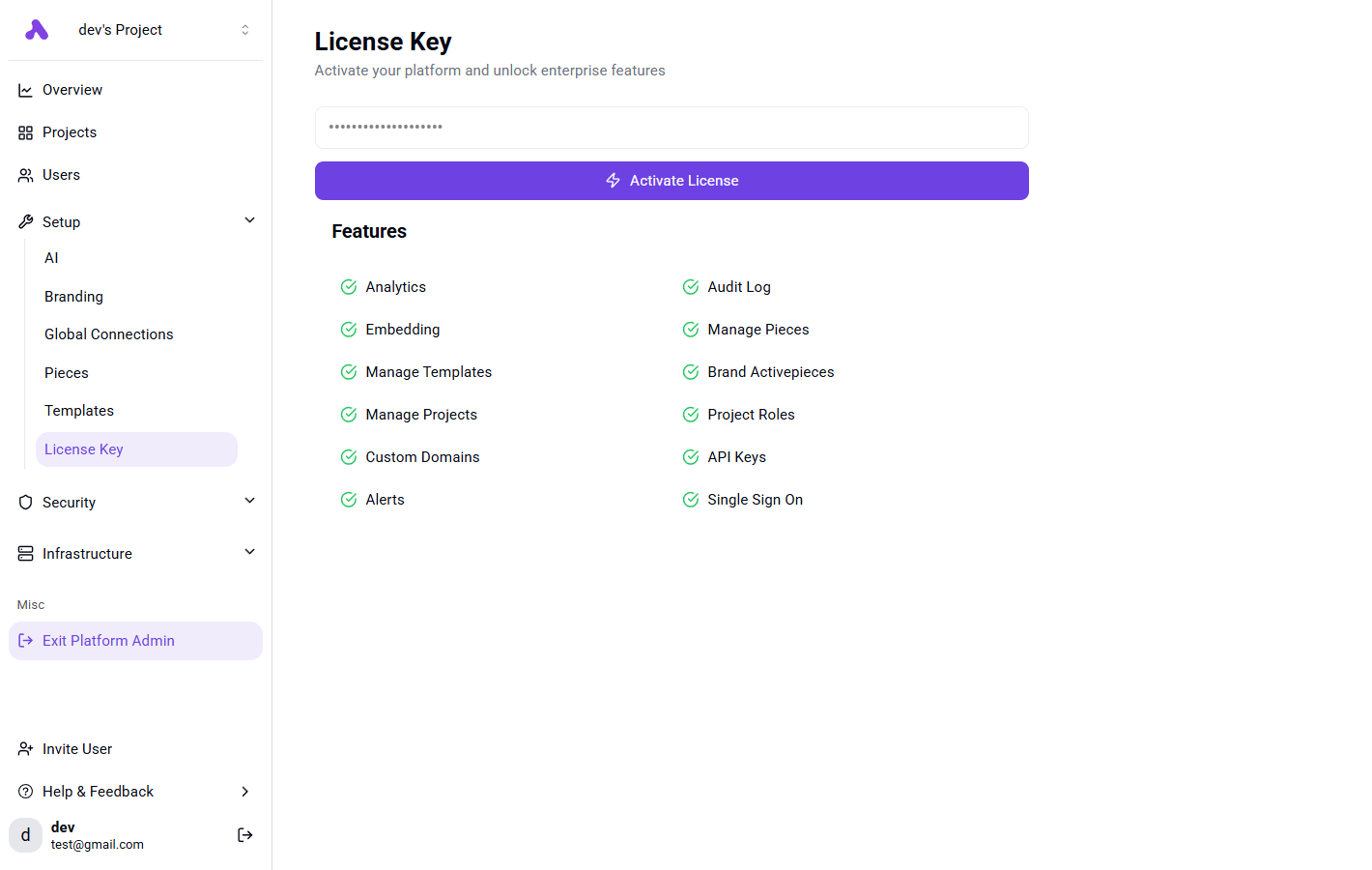
Step 3: Activate Your License Key
After signing in, activate the license key by going to Platform Admin -> Setup -> License Keys