Integration i18n
Step 1: Generate
Run the following command to create a translation file with all the strings that need translation in your integration
npm run cli integrations generate-translation-file PIECE_FOLDER_NAME
Step 2: Translate
Make a copy of packages/integrations/<community_or_custom>/<your_piece>/src/i18n/translation.json, name it <locale>.json i.e fr.json and translate the values.
tip
For open source integrations, you can use the Crowdin project to translate to different languages. These translations will automatically sync back to your code.
Step 3: Test Locally
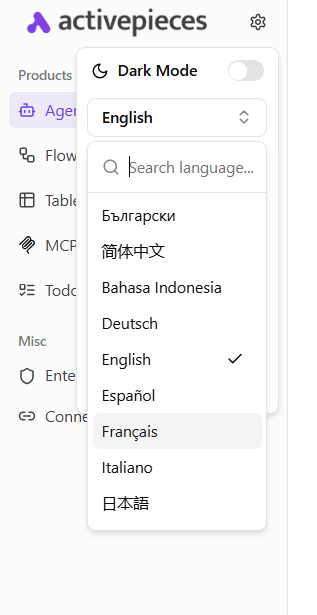
After following the steps to setup your development environment, click the small cog icon next to the logo in your dashboard and change the locale.
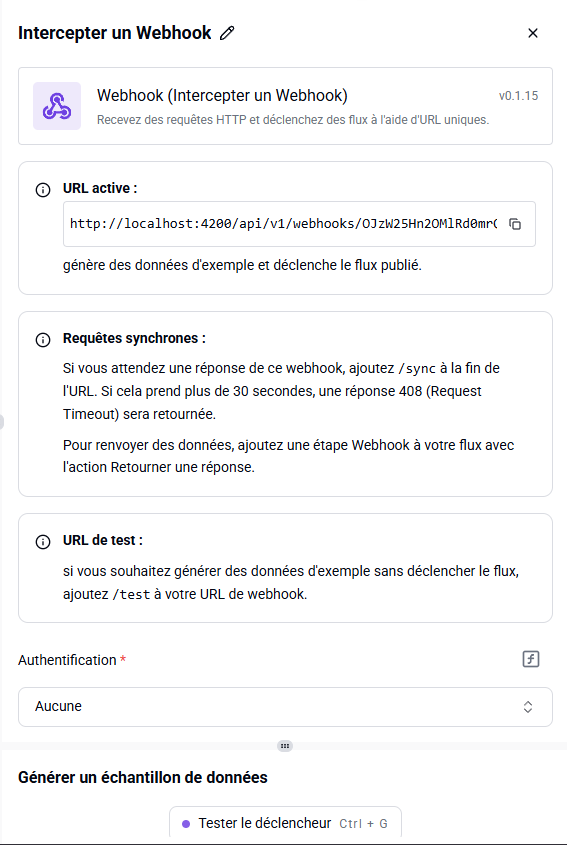
In the builder your integration will now appear in the translated language:
Step 4: Publish
Follow the docs here to publish your integration