GitHub Codespaces
GitHub Codespaces is a cloud development platform that enables developers to write, run, and debug code directly in their browsers, seamlessly integrated with GitHub.
Steps to setup Codespaces
-
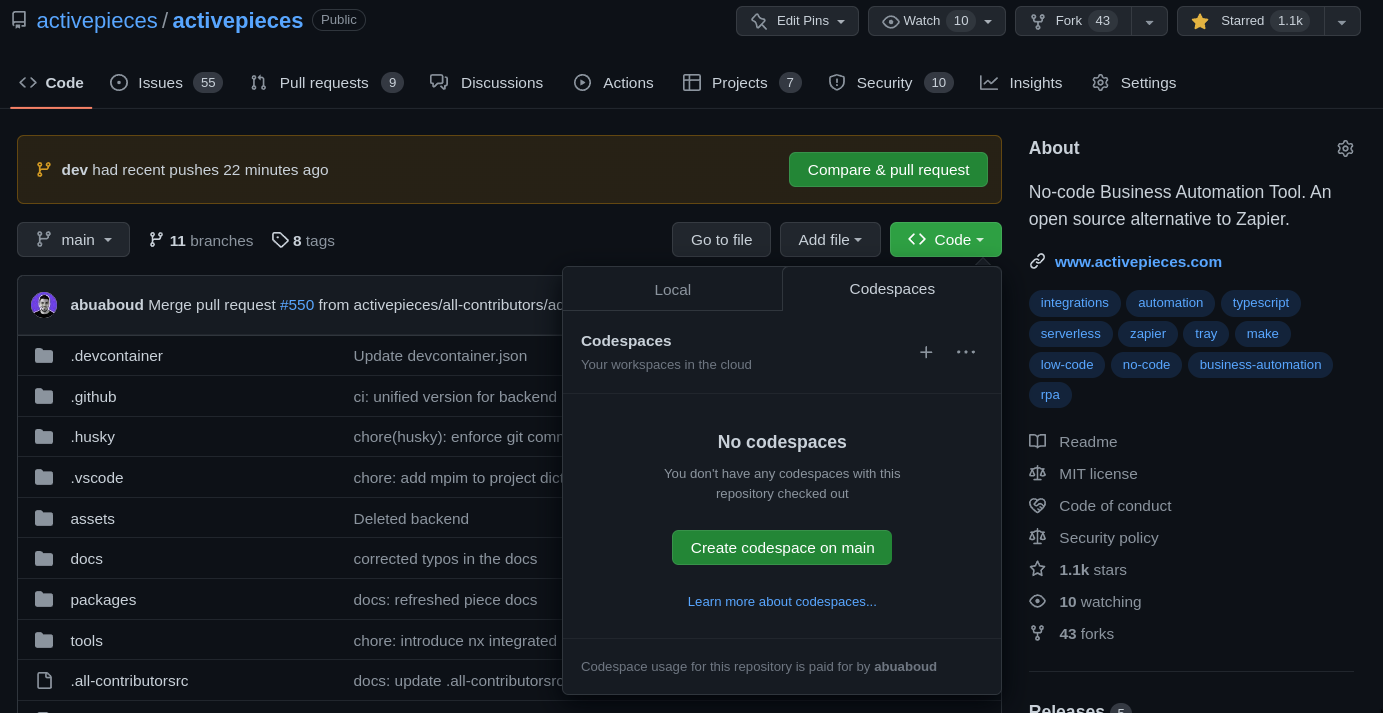
Go to [removed].
-
Click Code
<>, then under codespaces click create codespace on main.
note
By default, the development setup only builds specific integrations.Open the file
packages/server/api/.env and add comma-separated list of integrations to make
available.
For more details, check out the Integration Development section.
-
Open the terminal and run
npm start -
Access the frontend URL by opening port 4200 and signing in with these details:
Email: dev@ap.com
Password: 12345678