Manage Integrations
Show Specific Integrations in Seller
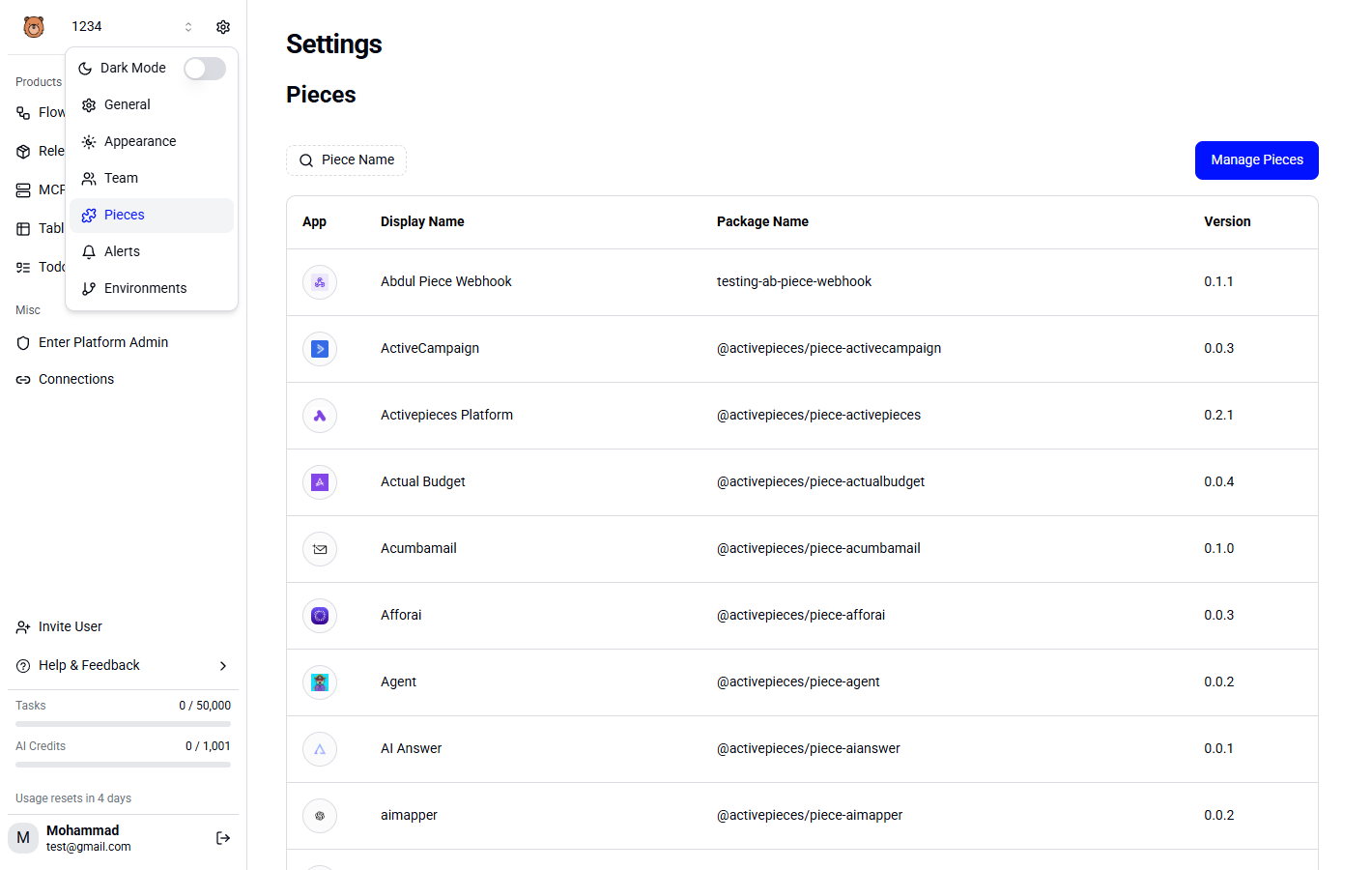
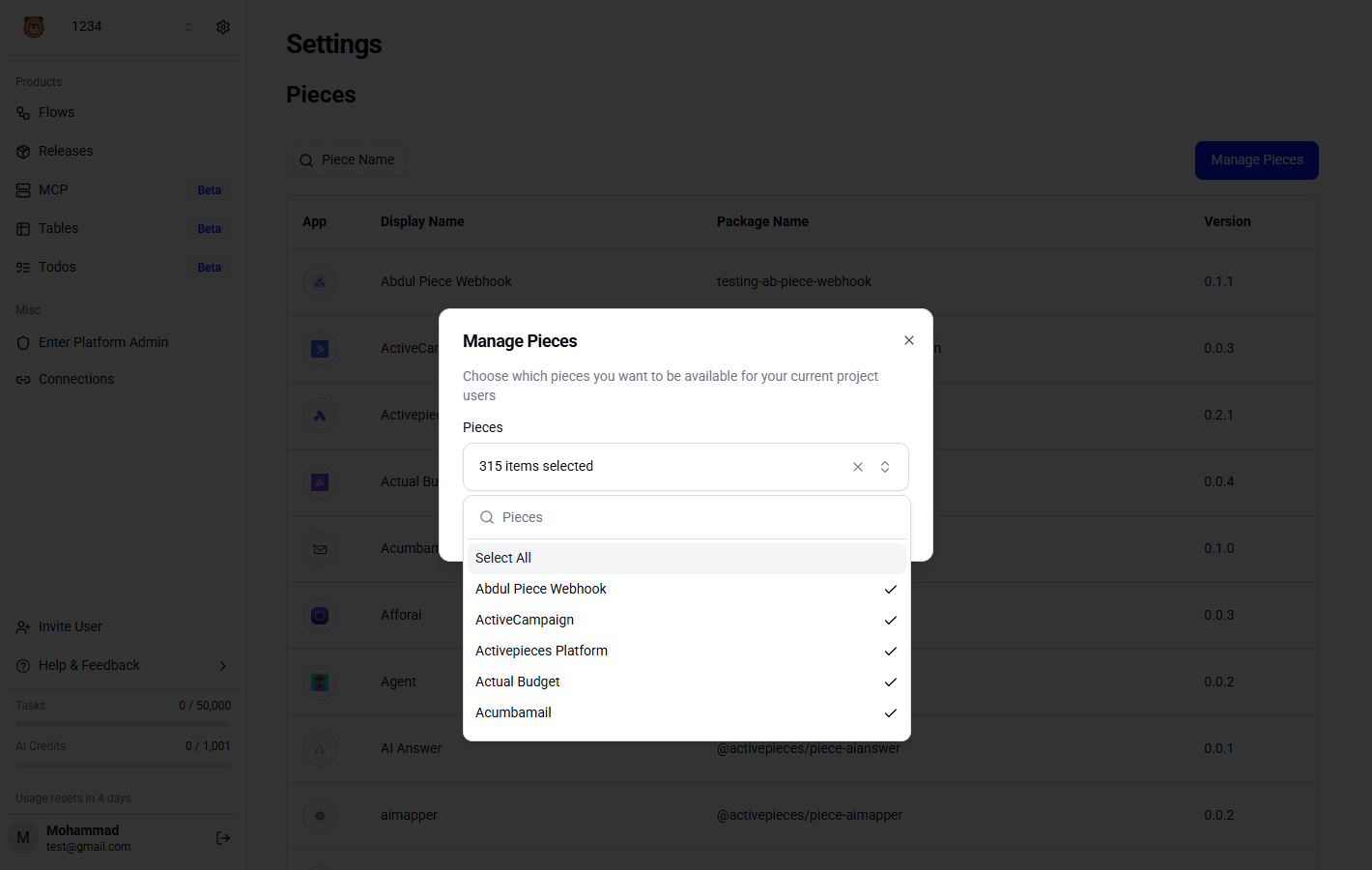
If you go to Integrations Settings in your seller, you can manage which integrations you would like to be available to your users.
Install Integration
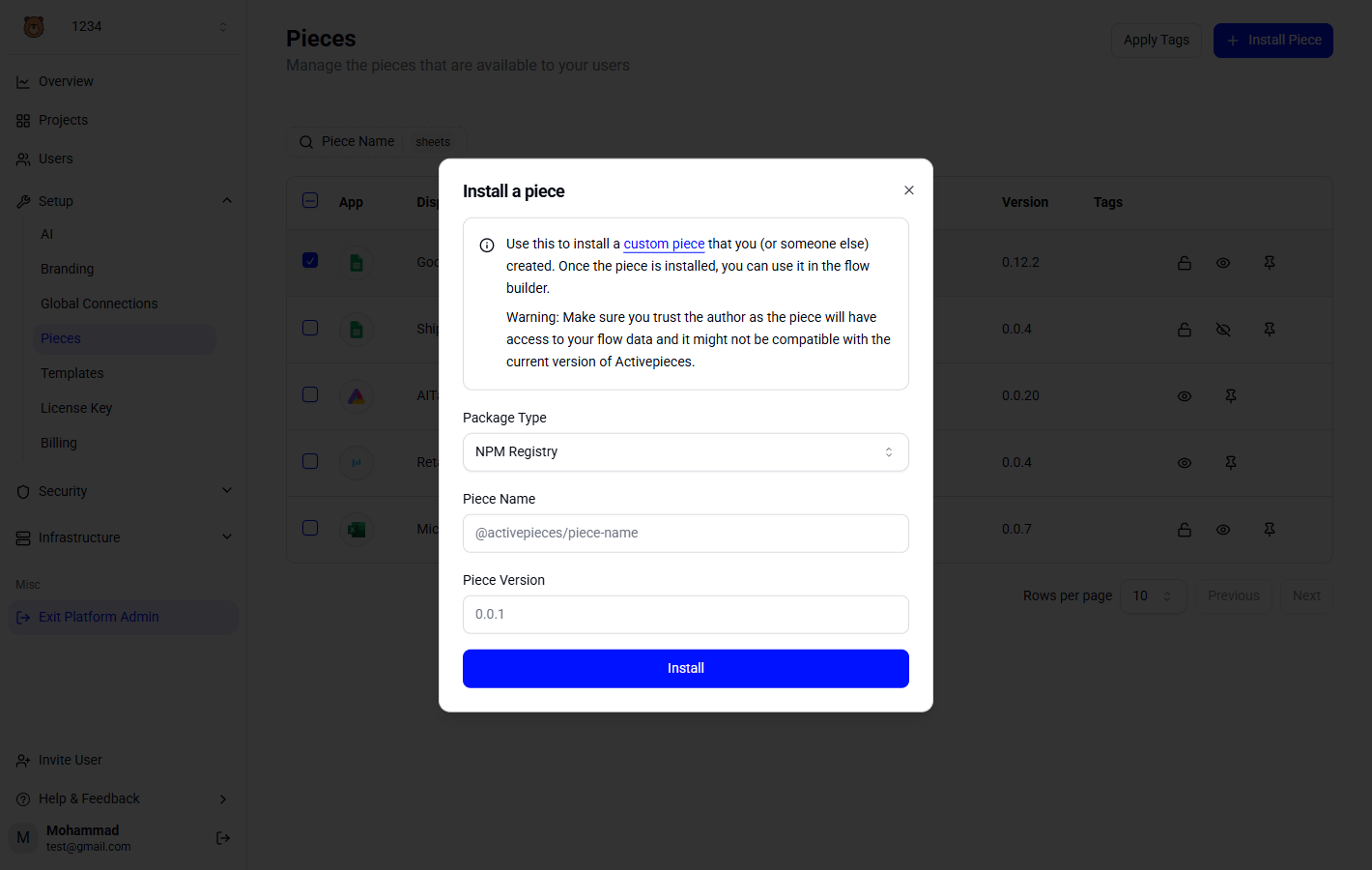
- Go to Platform Admin -> Setup -> Integrations and hit Install integrations.
- You can choose to install a integration from NPM or upload a tar file directly for private integrations.
- You can check the Sharing Integrations Doc for more info.